Sensitive Message Escalation
Refunds, complaints, and emergencies always reach a human.
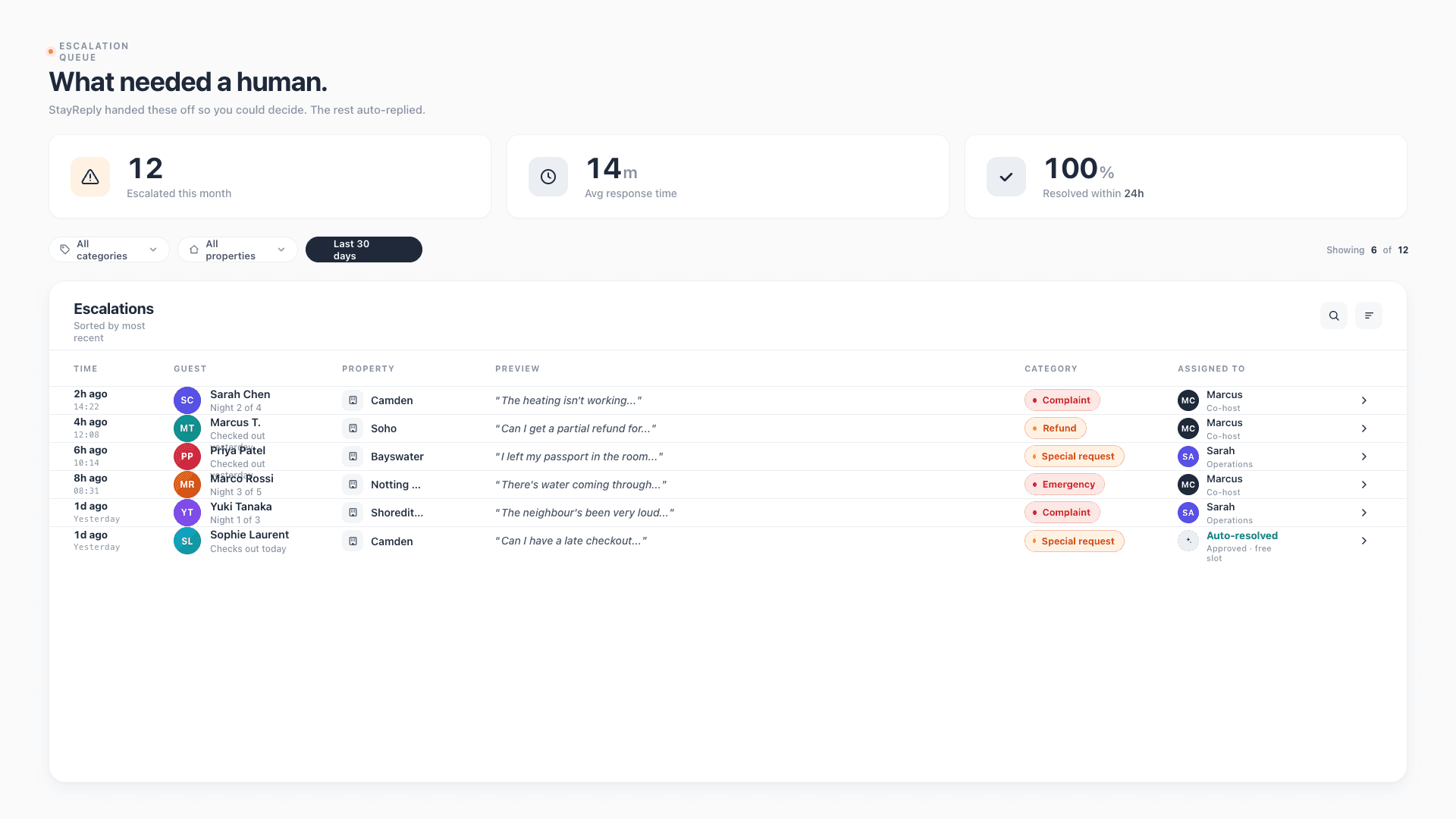
StayReply auto-replies to routine messages. Sensitive ones — refunds, complaints, emergencies, special requests — always escalate to you, regardless of confidence score. You decide what matters. The system respects it.
Always-Escalate Categories
Six message categories — refunds, complaints, emergencies, property damage, safety concerns, special requests — always escalate, regardless of confidence.
Smart Routing
Edge cases and sensitive messages route differently. You see them in priority order with category tags and full message context.
Multi-Channel Alerts
Escalations notify you via push, email, Slack, or all three — your choice. Critical escalations bypass do-not-disturb.
Connects natively to the PMS systems your business already uses.










The Boundary You Set
Routine handled automatically. Sensitive routed to you. Always.
Three layers working together: hardcoded always-escalate categories, smart routing for edge cases, and multi-channel alerts so you never miss what matters.
Always-Escalate Categories
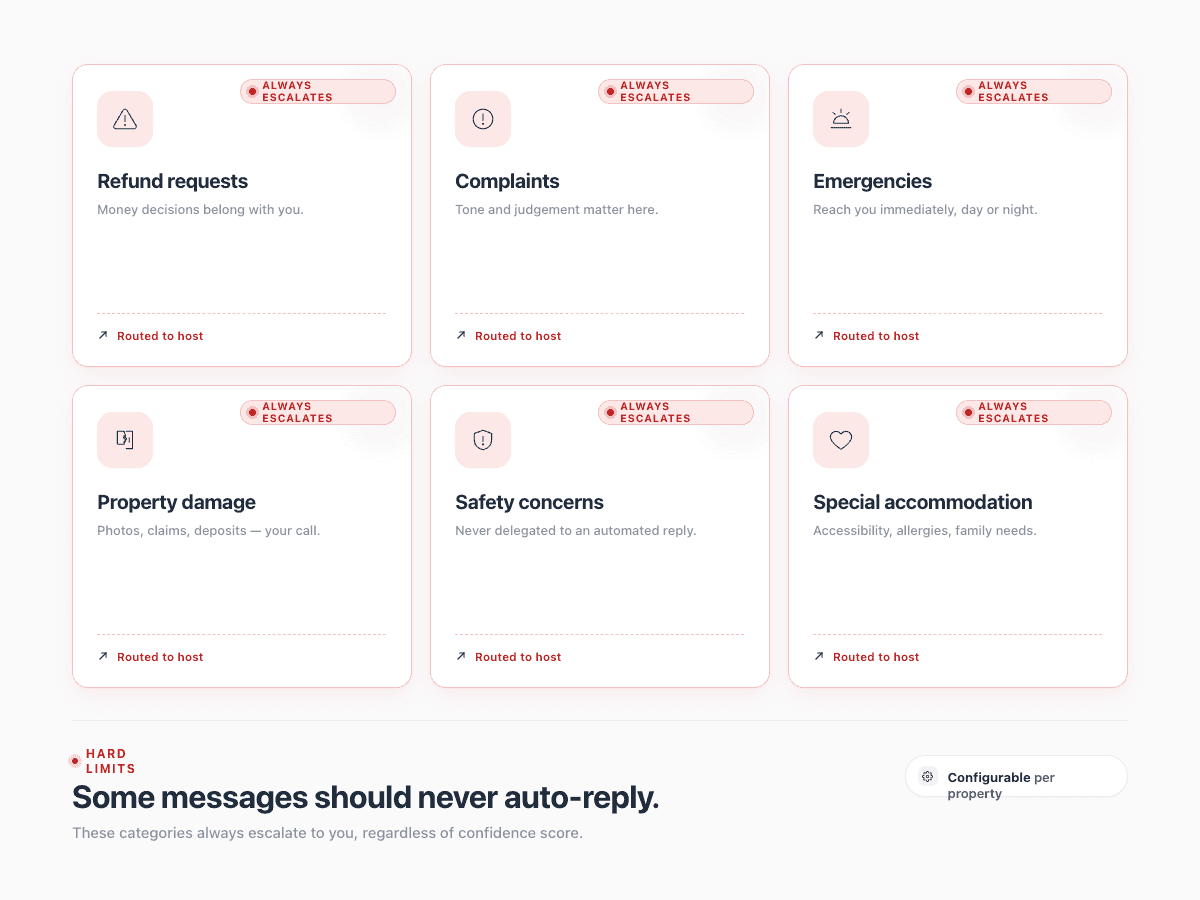
Six categories. Always escalated. No exceptions.
The fear with AI guest messaging is straightforward: what if it replies wrong to a sensitive message? What if it auto-sends a generic answer to a guest asking for a refund? What if it tries to handle an emergency it shouldn't? StayReply hardcodes the answer. Six categories never auto-reply, regardless of confidence score, regardless of how routine the wording looks. You're not trusting the AI to know when to stop. You've set the rules. The system respects them.
Refunds & Complaints
Refund requests and complaints always reach you. The AI can detect them across language barriers, indirect phrasing, and emotional context — but never tries to handle them.
Emergencies & Safety
Emergencies, property damage, and safety concerns route immediately with high-priority alerts. Critical escalations bypass do-not-disturb settings on your phone.
Special Requests
Unusual accommodation requests, modifications, and special needs escalate so a human can decide — not so the AI can guess and get it wrong.
Smart Routing
Edge cases and sensitive messages handled differently.
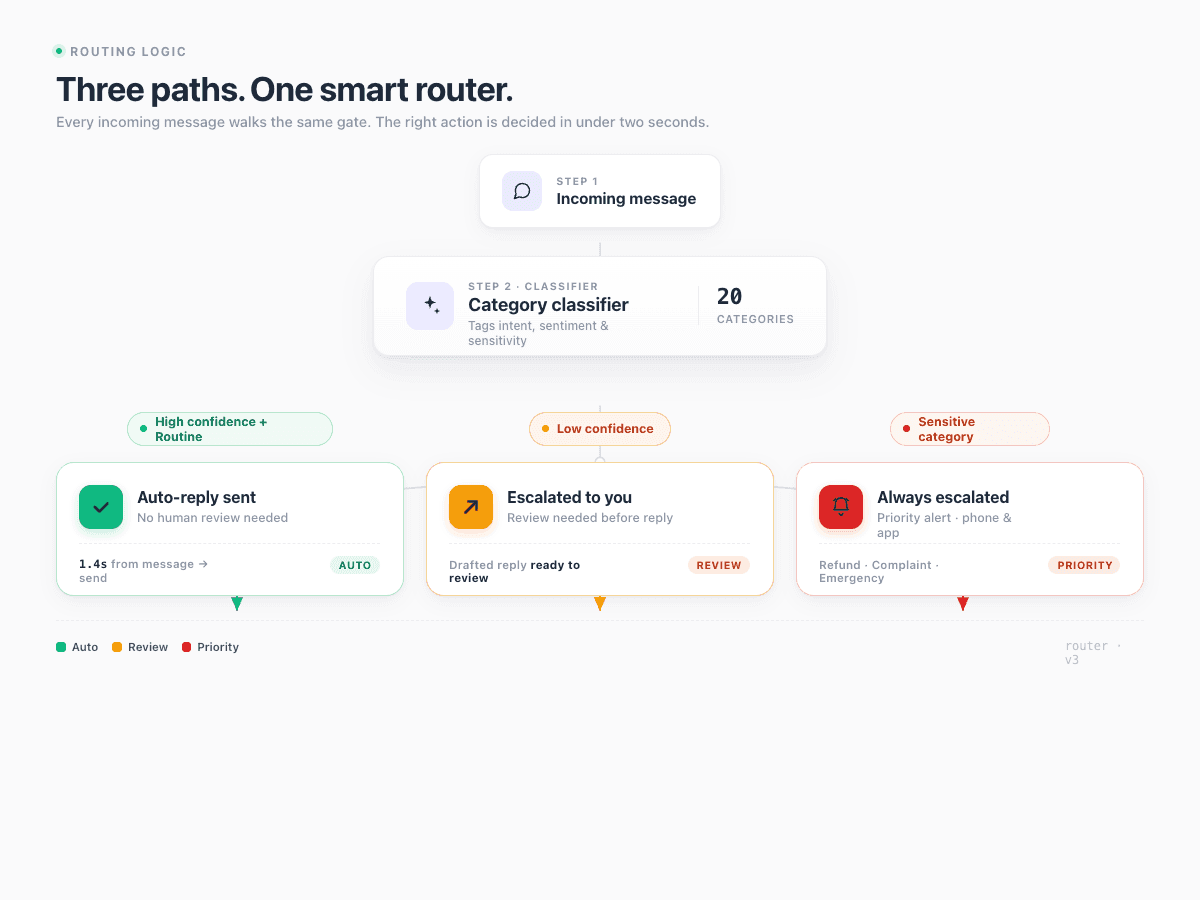
Not every escalation is the same. A low-confidence WiFi question is different from a complaint about a noisy neighbour. StayReply's routing logic recognises the difference and treats each path appropriately. You see escalations in priority order, with category tags, full message context, and suggested actions where helpful.
Three routing paths: routine auto-reply, edge-case escalation, sensitive-category escalation
Priority queue sorts your escalations by category urgency and time-sensitivity
Suggested actions shown for common escalation types to speed your response
Multi-Channel Alerts
Get alerted where you actually look.
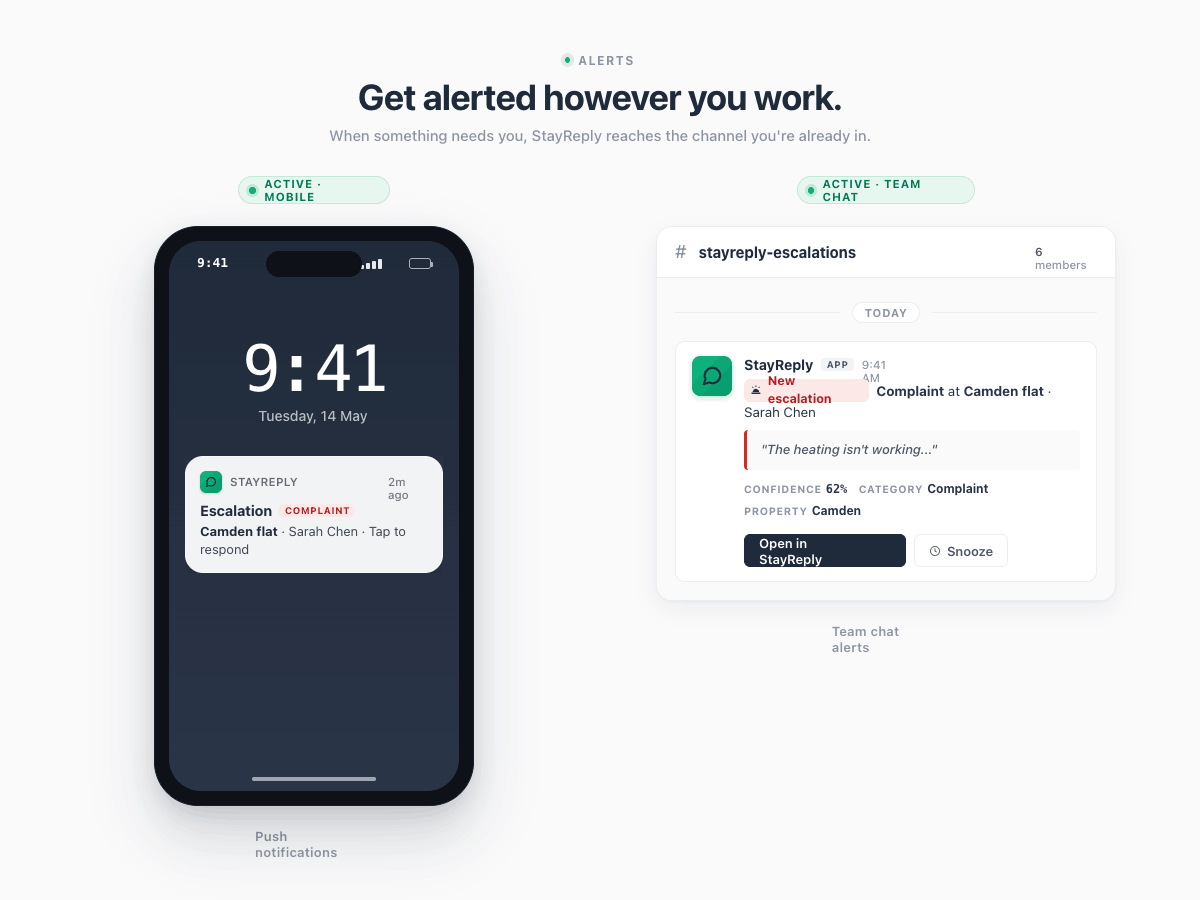
A great escalation system that you never see is useless. StayReply notifies you on the channels you already use — push notifications on your phone, Slack mentions for your team, email digests for daily review, SMS for true emergencies. You configure which categories notify which channels. Different alert behaviour for different urgency levels.
Per-Category Channel Rules
Refunds and complaints to email. Emergencies to SMS. Edge cases to Slack. You configure which categories trigger which channels — and at what urgency level.
Team Routing
Multiple team members? Escalations can route to whoever is on-shift, whoever owns the property, or all admins simultaneously. Configurable per category, per property, per role.
FAQ
Questions about escalation.
Learn how escalations work, what reaches you, and how to control alert channels.
Can I customise which categories escalate?
What if I want StayReply to auto-reply to a category that defaults to escalation?
How fast do escalations reach me?
What happens if I miss an escalation?
Ready to stop being your own guest support line?
Start a free trial or talk to our team.