Role-Based Permissions
Control who sees what, who edits what, who replies to whom.
StayReply has four built-in roles — Owner, Admin, Manager, Member — with property-scoped access controls. Add your whole team without exposing data they shouldn't see. Custom roles available on Enterprise.
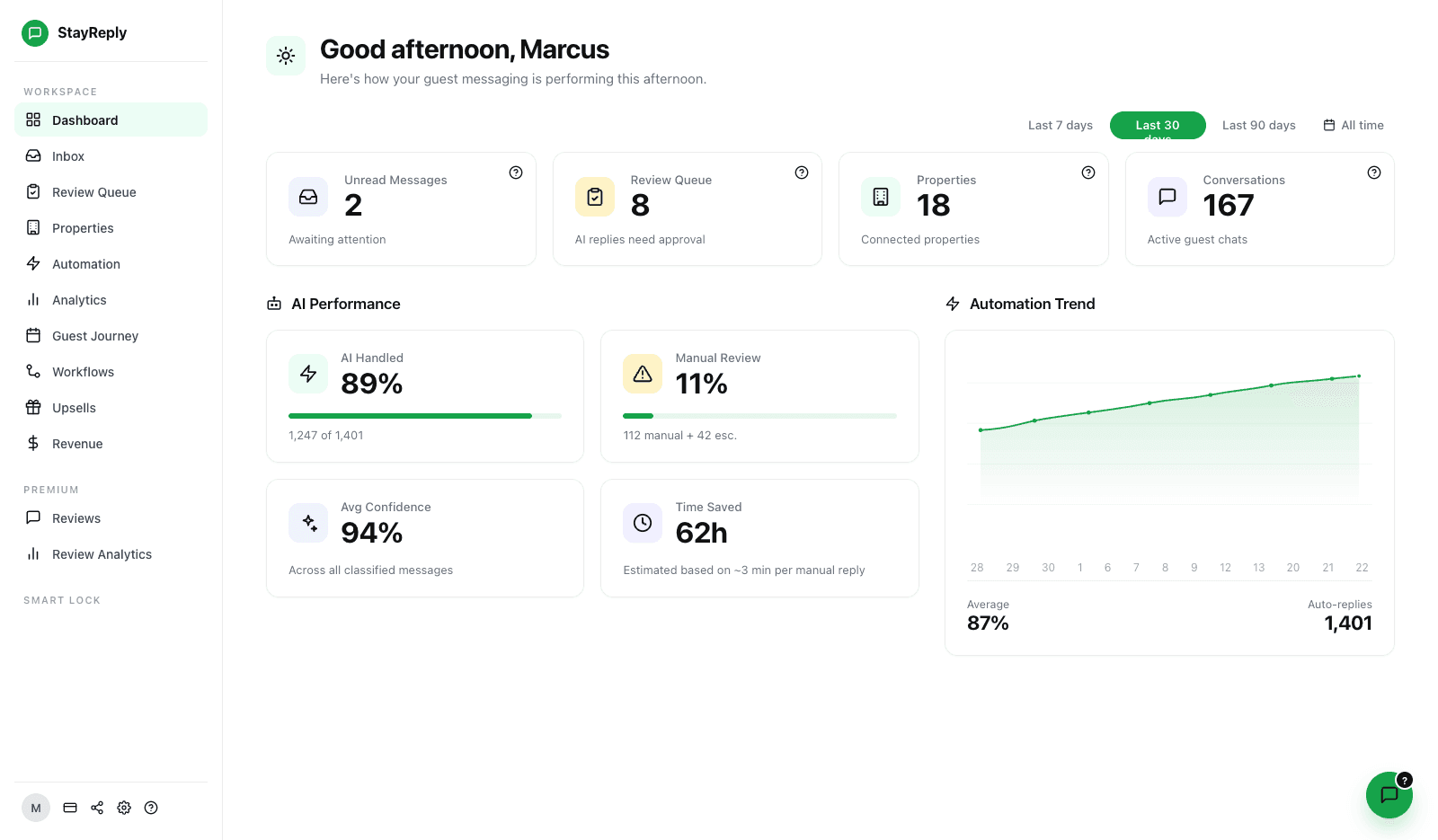
Four Built-In Roles
Owner, Admin, Manager, Member. Sensible defaults for most teams. Each role has clear permissions covering inbox access, knowledge base editing, settings, and billing.
Property-Scoped Access
Team members can be restricted to specific properties. A cleaner for the Camden flat only sees Camden flat conversations.
Custom Roles (Enterprise)
Build custom roles with granular permission toggles. For management companies with unusual organisational structures.
Connects natively to the PMS systems your business already uses.










Built For Teams At Every Scale
Sensible defaults for most teams. Granular controls when you need them.
Three layers working together: four built-in roles with clear permissions, property-scoped access for granular control, and custom roles for management companies with complex organisational needs.
Four Built-In Roles
Sensible defaults that work for most teams.
Most teams don't need fifty different permission combinations. They need a small number of clear roles that cover the common cases. StayReply ships with four: Owner (full access including billing), Admin (full access except billing), Manager (multi-property control without system settings), Member (assigned properties only, limited actions). Most teams configure once and never think about permissions again.
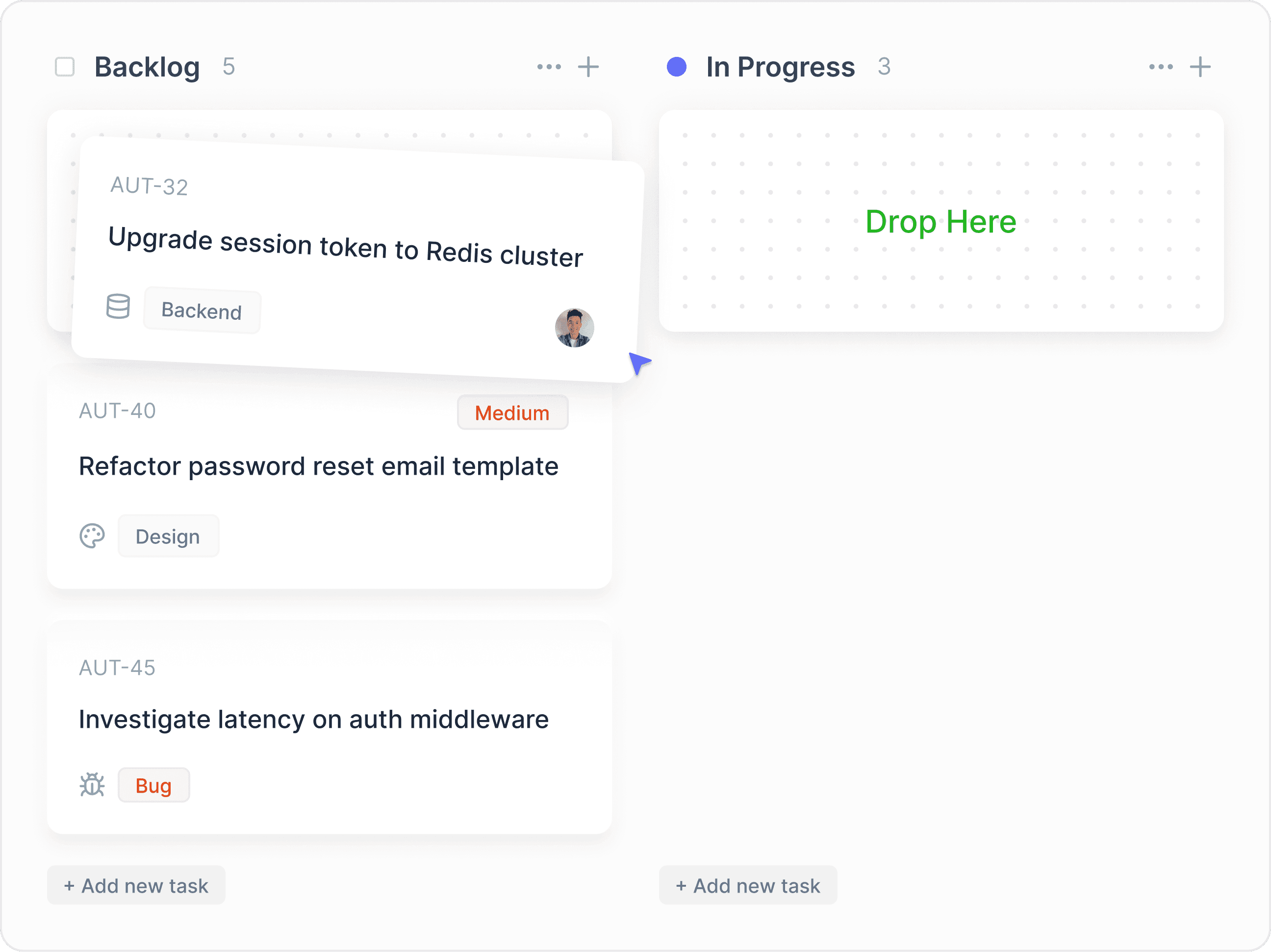
Owner & Admin
Full system access — knowledge base, settings, integrations, audit logs, team management. Only the Owner has billing access. Admin handles everything else.
Manager
Multi-property inbox access, can edit knowledge base, can configure triggers, but cannot change system settings or invite new team members.
Member
Inbox access for assigned properties, can reply to messages, can flag issues, but cannot edit knowledge base or change settings.
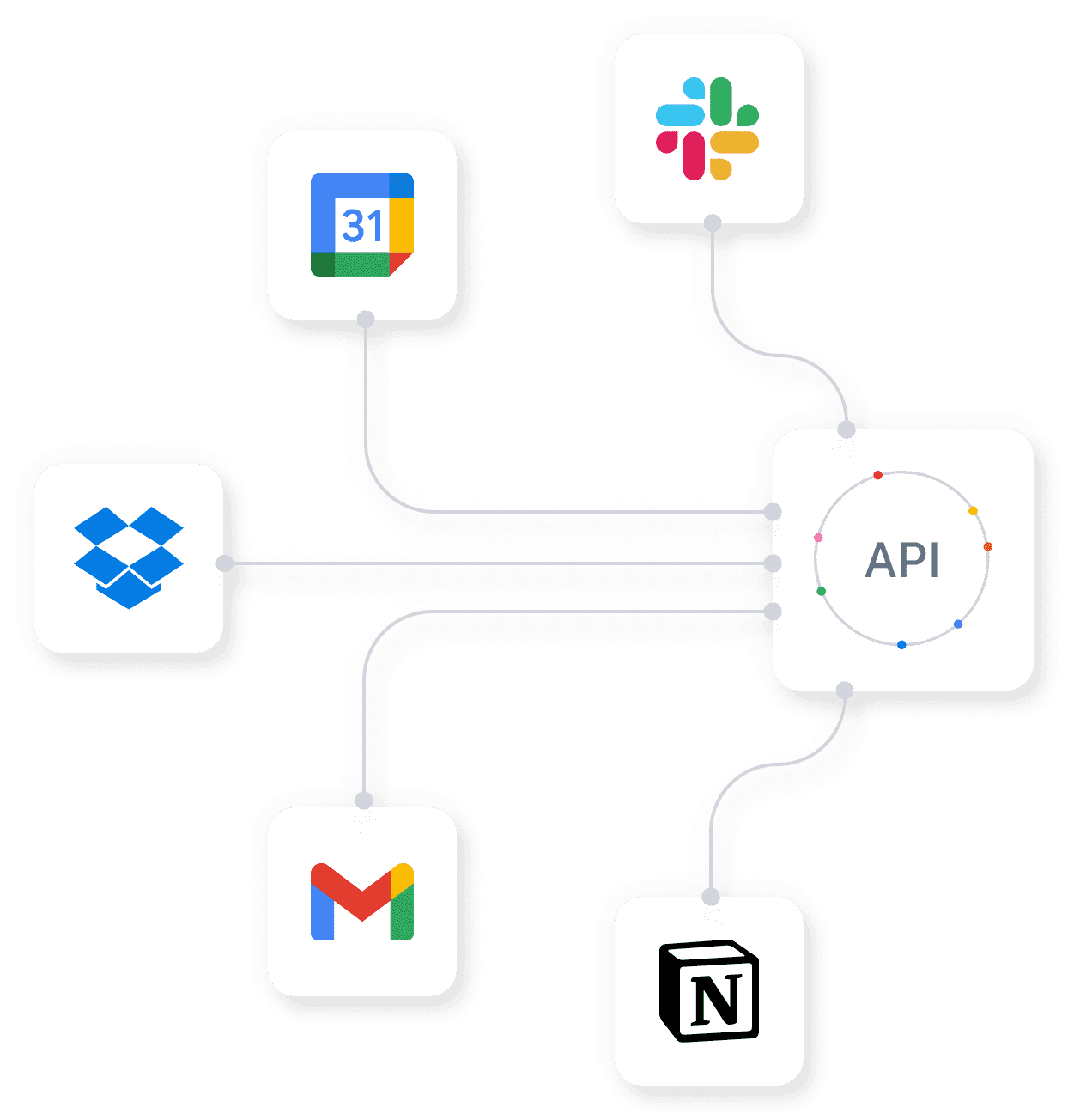
Property-Scoped Access
Restrict team members to specific properties.
A cleaner for the Camden flat doesn't need to see conversations about the Soho loft. An owner with one specific property doesn't need access to your other 17 listings. A regional manager covering Southeast England doesn't need visibility into your Liverpool portfolio. StayReply lets you scope every team member's access to specific properties or property groups — without compromising functionality for the properties they do access.
Assign team members to specific properties or property groups
Greyed-out properties they have no access to — invisible to that user
Combine role + property scope for fine-grained control
Custom Roles
For management companies with complex structures.
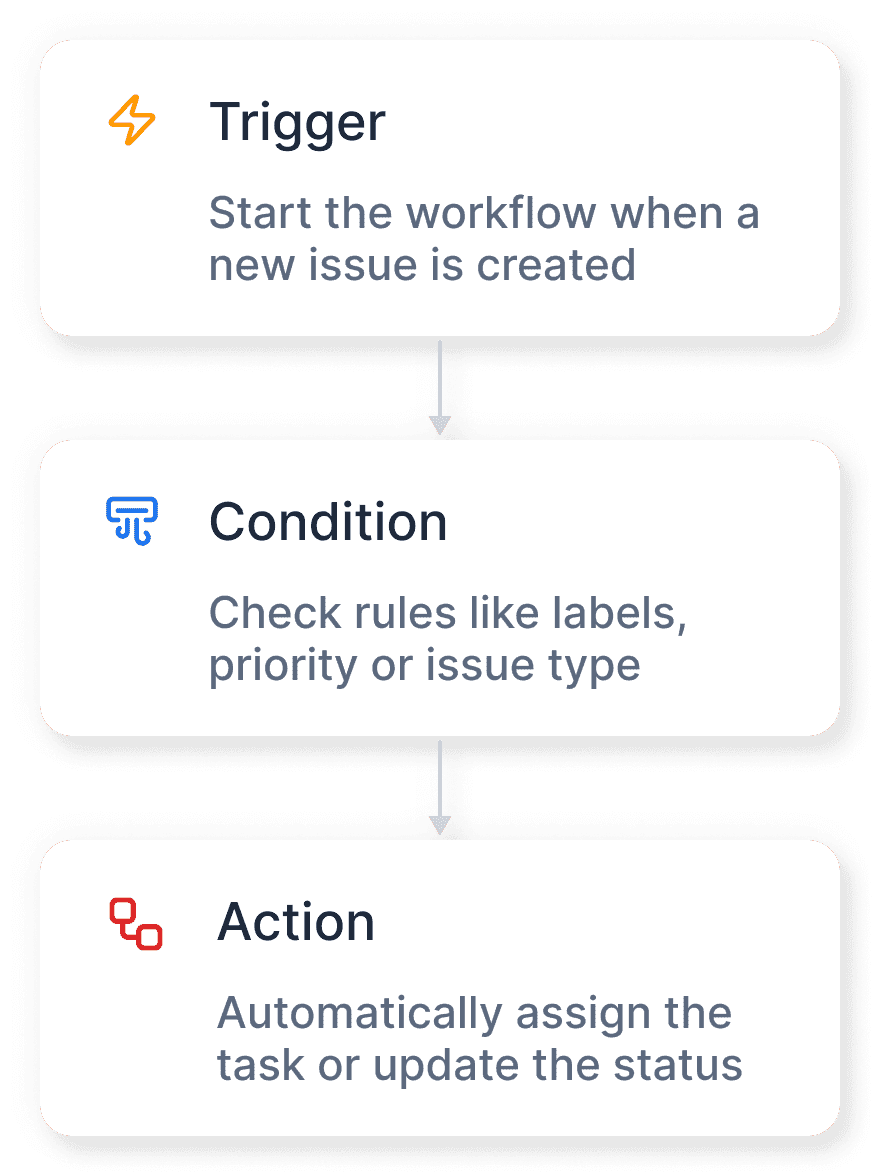
Sometimes the four built-in roles don't quite fit. A "Cleaning Coordinator" who needs to see maintenance escalations but not handle guest replies. A "VA" who can reply to routine messages but not override sensitive escalations. A "Property Owner" who can see their own properties but nothing else. On Enterprise plans, you can build custom roles with granular permission toggles for any combination of capabilities.
Granular Permission Toggles
Toggle every individual permission — view conversations, reply to messages, edit knowledge base, configure triggers, access audit logs, etc.
Scoped Custom Roles
Combine custom roles with property scoping and message category filters for highly specific access patterns.
FAQ
Questions about role-based permissions.
Learn how the four built-in roles work, how to scope access, and when custom roles make sense.
How many team members can I add?
What's the difference between Owner and Admin?
Can a team member be in multiple properties without being Admin?
Do roles affect audit log visibility?
Ready to stop being your own guest support line?
Start a free trial or talk to our team.