Analytics Dashboard
Track every reply, every property, every metric that matters.
StayReply's Analytics Dashboard shows what's working across your portfolio — auto-reply rates, response times, time saved, top message categories, escalation patterns. Real numbers, real-time, real-property-level detail.
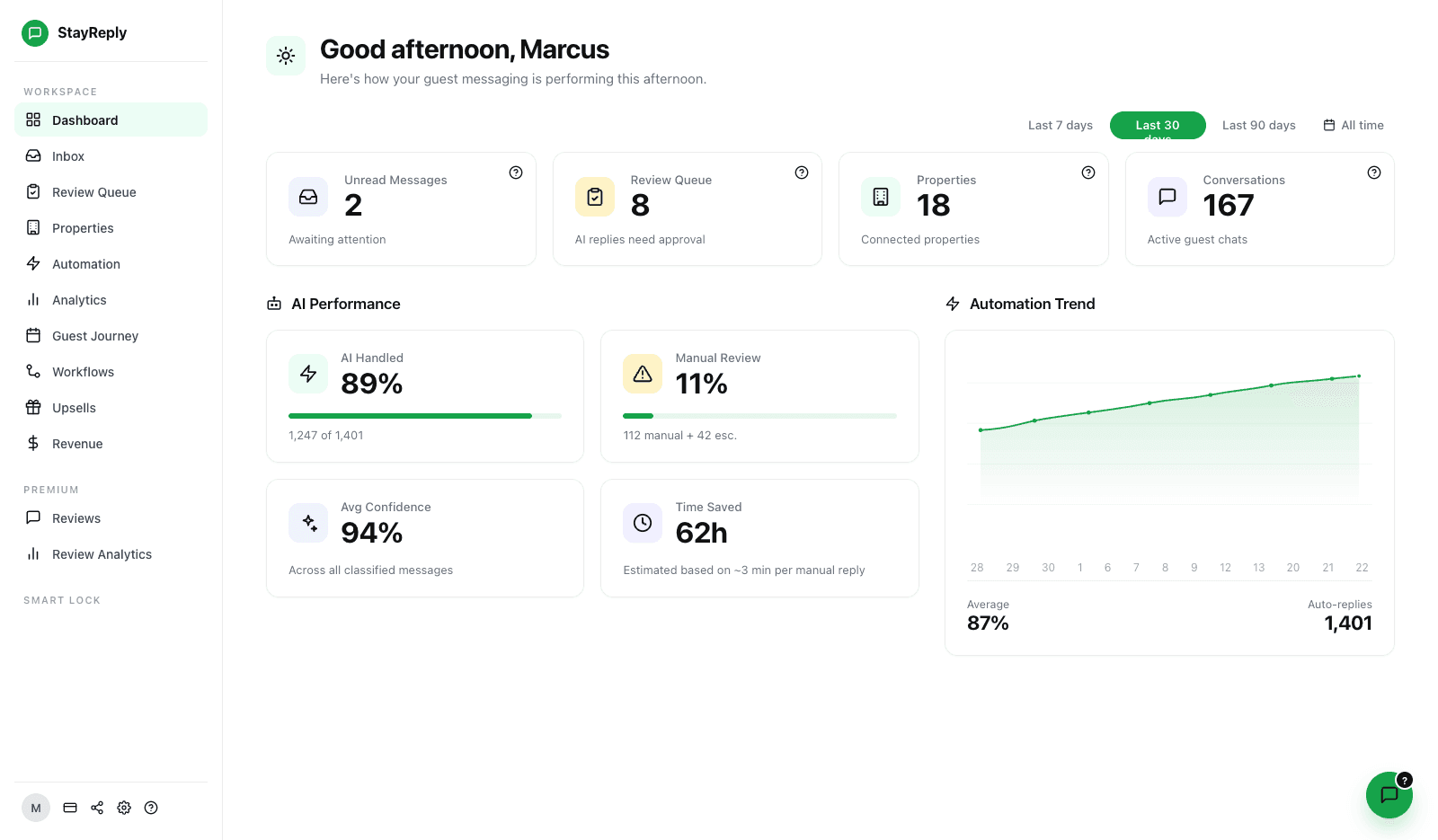
Real-Time Reply Tracking
Live activity feed showing every reply sent, escalation handled, and knowledge base edit — across every property, in real time.
Trend Analysis
30-day, 90-day, and yearly trends for every key metric. Watch automation rate climb as the system learns your properties.
Top Category Breakdown
See which message categories drive the most volume, which escalate most often, and where automation is or isn't working.
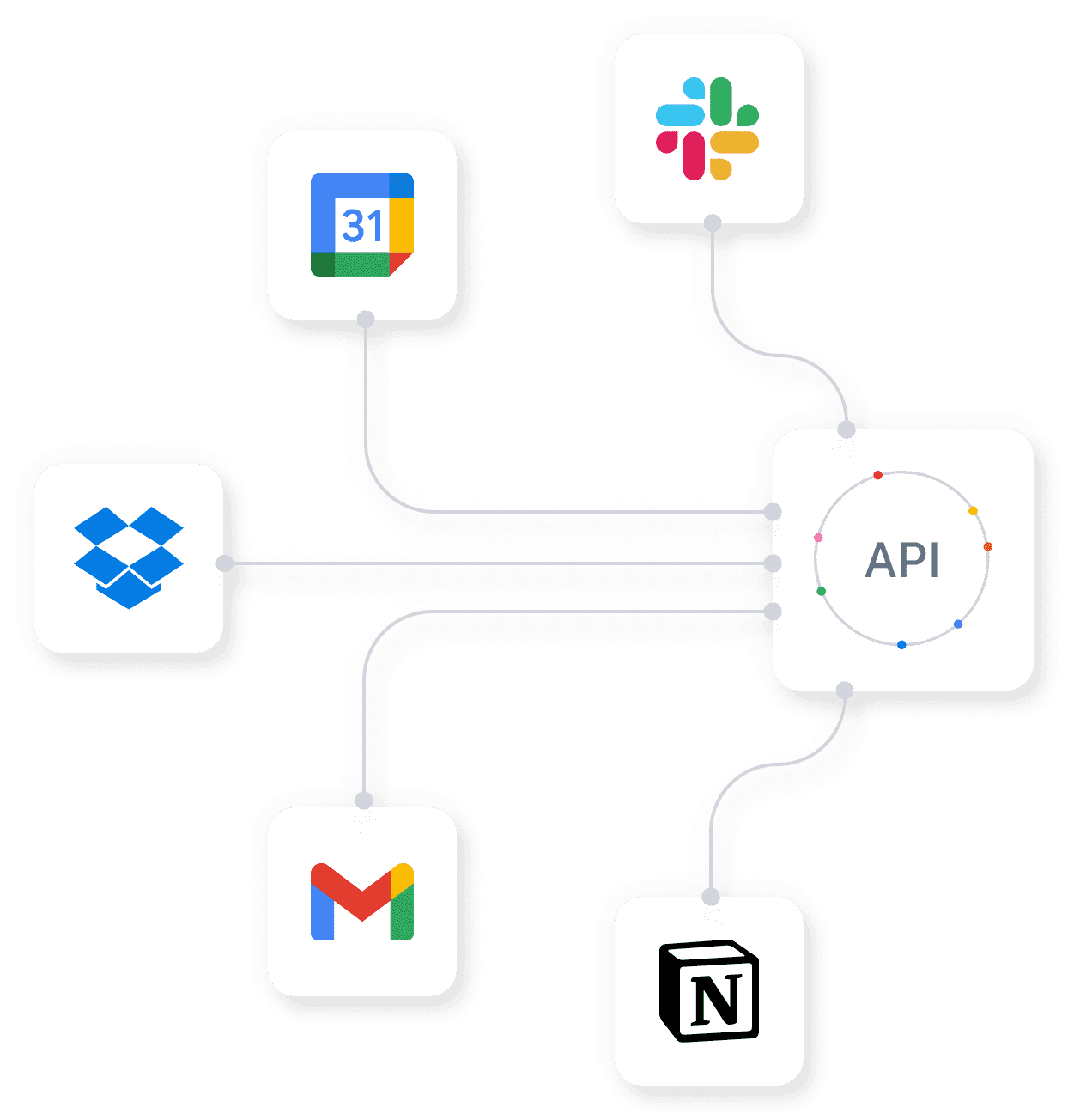
Connects natively to the PMS systems your business already uses.










Numbers You Can Actually Act On
Operational metrics, not vanity dashboards.
Three layers working together: real-time activity tracking, multi-period trend analysis, and category-level breakdowns that show exactly where automation is or isn't paying off.
Real-Time Reply Tracking
See every action, as it happens.
A dashboard that updates once a day is useful for executives. A dashboard that updates in real time is useful for operators. StayReply's activity feed streams every event as it happens — auto-replies firing, escalations triggering, knowledge base edits, team member actions. You can spot issues as they emerge instead of discovering them a day later.
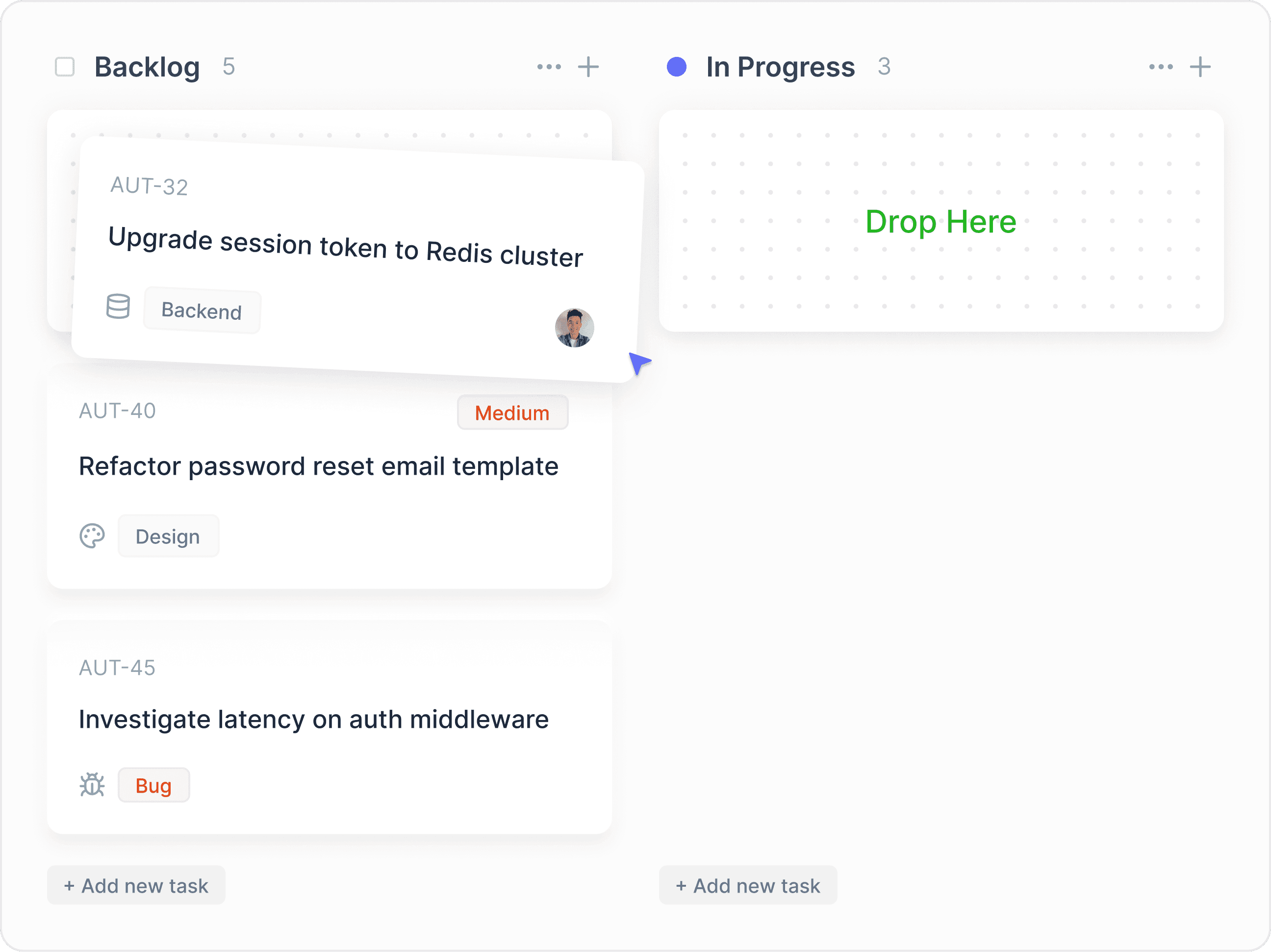
Live Event Stream
Reply sent, escalation routed, knowledge base edited, smart lock event, audit action — every event visible in the activity feed within seconds of occurring.
Per-Property View
Filter the activity feed to a specific property to see exactly what's happening across that listing's conversations.
Per-Team-Member View
Filter by team member to see workload, response patterns, and override frequency. Useful for performance reviews and training.
Trend Analysis
Watch automation rate climb as the system learns.
New operators typically see auto-reply rates climb from 65-70% in week 1 to 88-92% by week 4 — as StayReply learns each property's patterns. Trend charts show this trajectory clearly. You see when the system is improving, when it's plateauing, and which interventions (knowledge base edits, threshold changes) actually move the numbers.
30-day, 90-day, and yearly views for every key metric
Annotated inflection points show what caused trend changes
Comparison views — property vs portfolio, month over month, year over year
Top Category Breakdown
See exactly which message types drive your volume.
Knowing your auto-reply rate is 89% is useful. Knowing that check-in instructions account for 28% of volume and auto-reply at 96%, while complaints account for 4% and escalate at 100% — that's actionable. StayReply's category breakdown shows you exactly where automation is paying off and where the unhandled volume lives. Use the breakdown to identify which knowledge base entries to improve first.
Volume By Category
See which of the 20 categories drive the most volume. Top 5 typically account for 70%+ of messages.
Auto-Reply Rate By Category
See which categories StayReply handles confidently and which categories trigger more escalations — guiding where to invest knowledge base improvements.
FAQ
Questions about analytics.
Learn what metrics are tracked, how they're calculated, and what's available per plan.
What metrics does StayReply track?
How is "time saved" calculated?
Can I export analytics data?
Can I see analytics per team member?
Ready to stop being your own guest support line?
Start a free trial or talk to our team.