Confidence Threshold Controls
You decide what auto-sends. The system respects it.
StayReply's confidence thresholds let you set the rules for what auto-replies vs what escalates. Default conservative. Adjust globally, per property, per category. Sensitive messages always escalate, regardless of threshold.
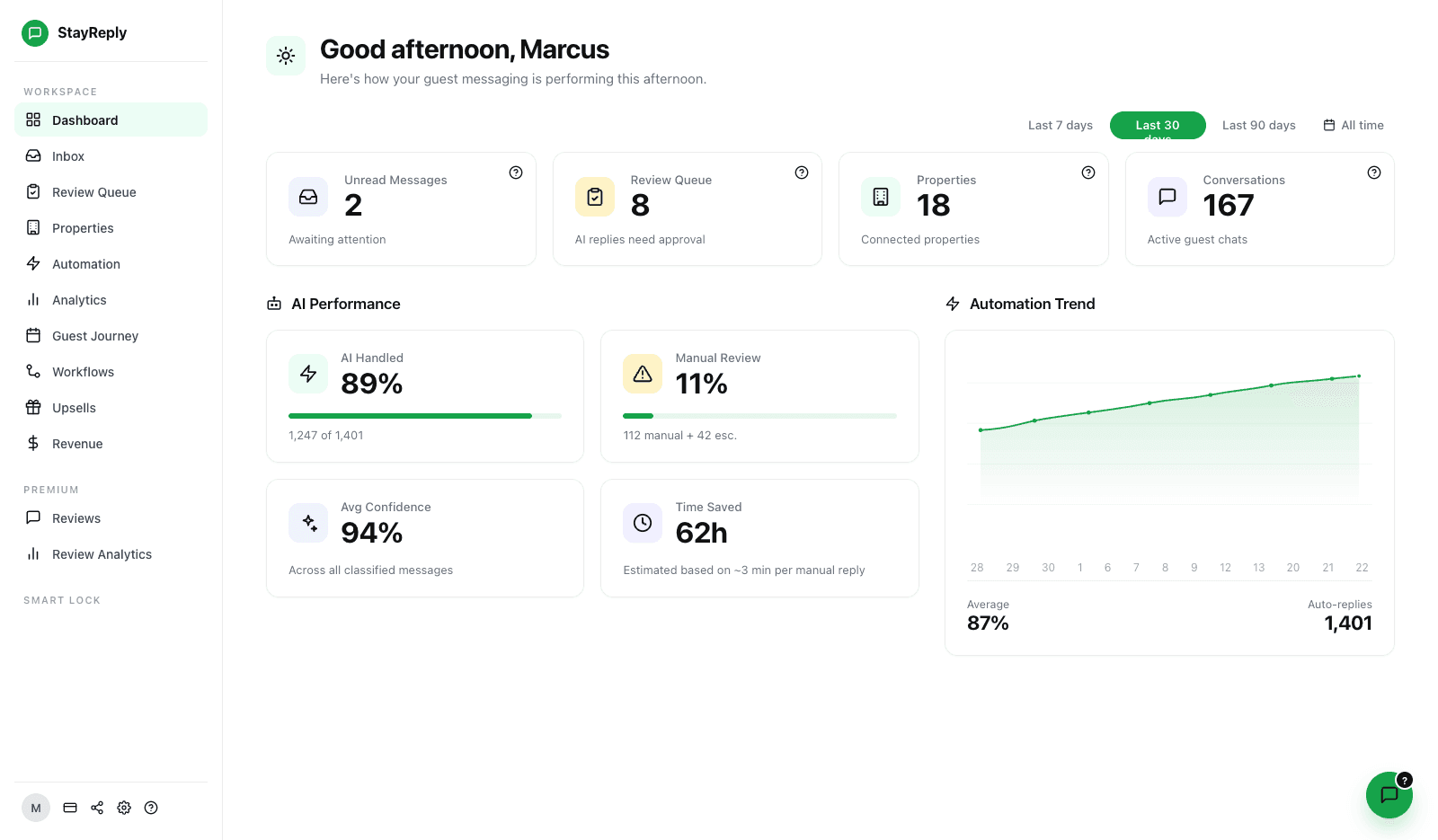
Single-Slider Default
One global threshold controls what auto-sends. Default conservative. Move the slider to loosen or tighten across your entire portfolio.
Per-Category Overrides
Override the global threshold for specific message categories. Refunds always escalate. WiFi might auto-reply at 75%. Your call.
Per-Property Customisation
Tight thresholds on luxury properties. Loose thresholds on simple ones. Each listing has its own configuration.
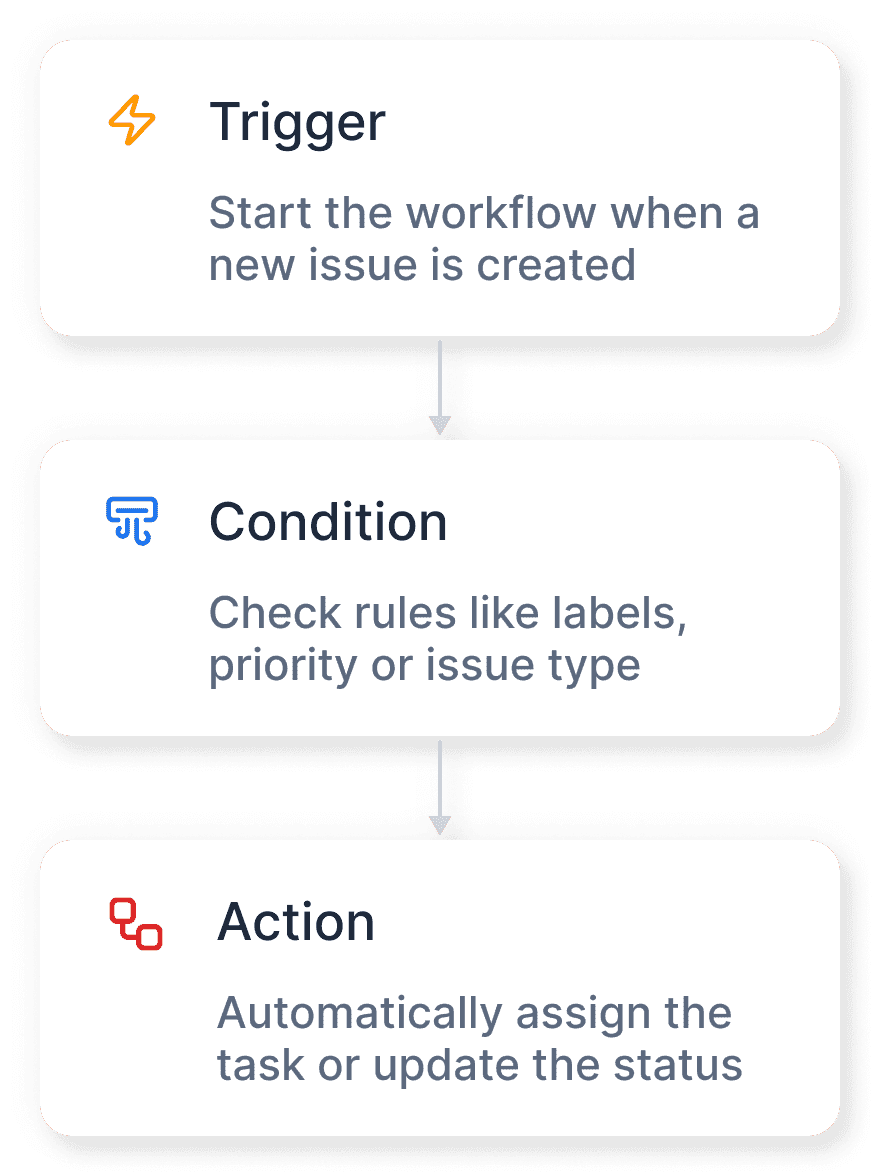
Connects natively to the PMS systems your business already uses.










Built For Operators Who Want Real Control
Adjust how much you trust the AI. Tighten when stakes are high.
Three layers working together: single global threshold for sensible defaults, per-category overrides for fine-grained control, and per-property customisation that matches each listing's needs.
Single-Slider Default
One global threshold. Sensible default. Adjust anytime.
Don't want to spend an hour configuring rules? Don't have to. StayReply ships with a sensible default global threshold of 85%, which means messages scored above 85% confidence auto-reply, messages below escalate to you. Most operators leave it here for months. When you're ready to adjust — to loosen the rules as you build trust, or tighten them for sensitive properties — it's a single slider away.
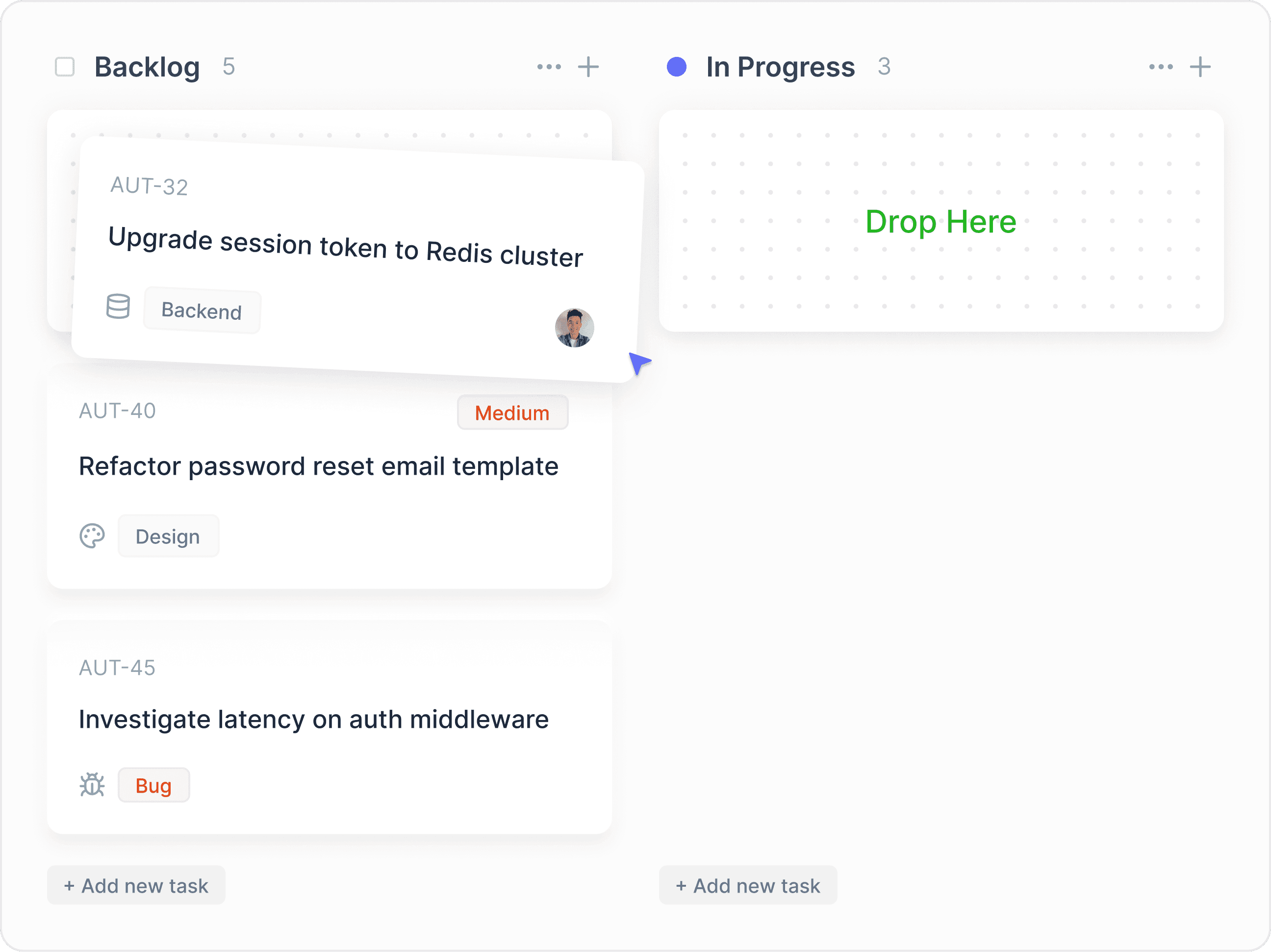
85% Default
StayReply's default threshold delivers ~89% auto-reply rate across most portfolios. Conservative enough that wrong replies are rare, aggressive enough that real value is delivered.
Three Presets
Conservative (90% — fewer auto-replies, more escalations), Standard (85% — default), Aggressive (78% — more auto-replies, more risk). Choose your starting point.
Live Preview
Move the slider to see exactly how many messages from the last 30 days would auto-reply vs escalate at your chosen threshold. Decide based on real data.
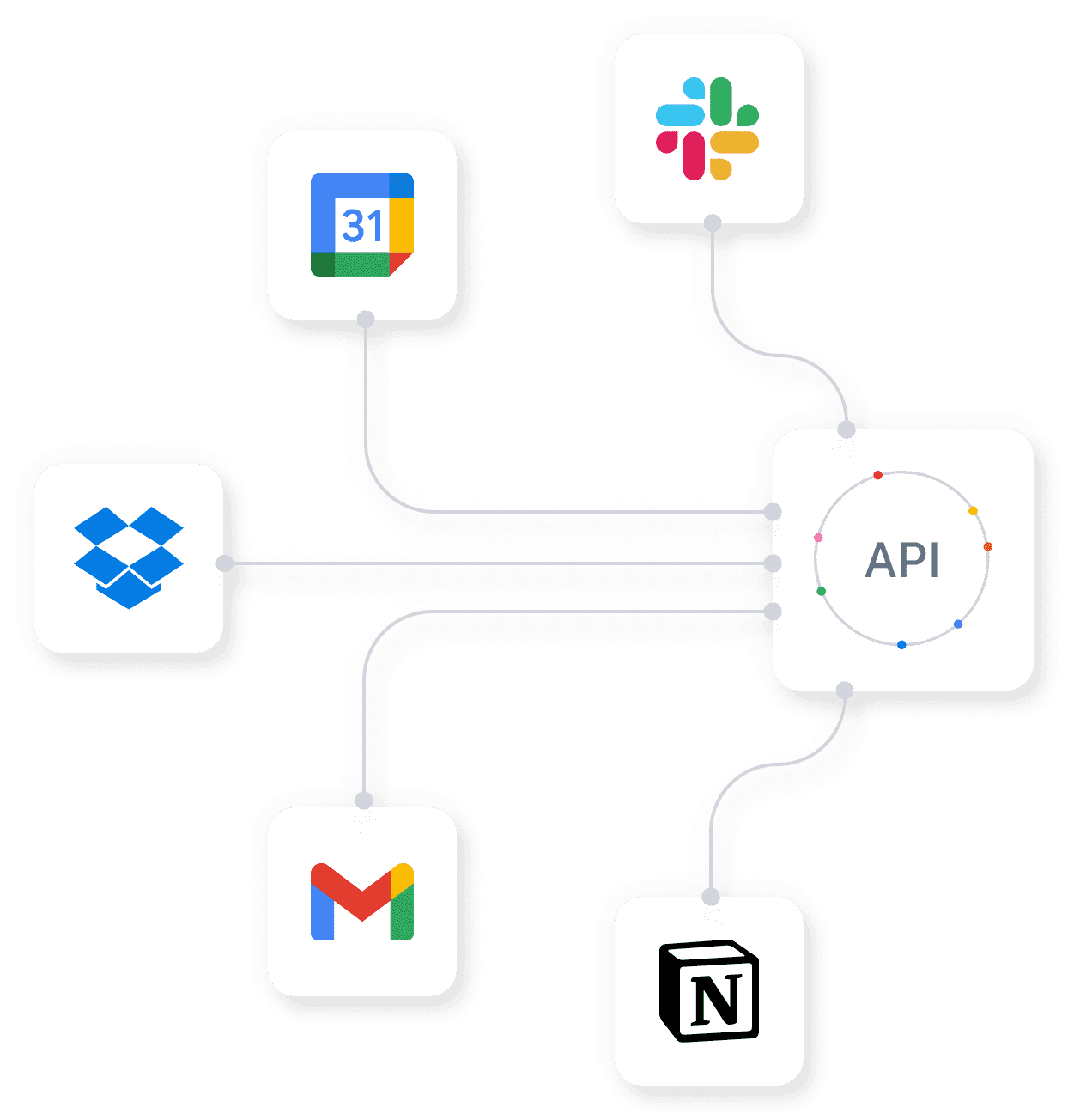
Per-Category Overrides
Different rules for different message types.
A WiFi question and a refund request shouldn't be treated the same. WiFi is simple — you'd probably auto-reply at 75% confidence comfortably. Refunds are decisions — you wouldn't auto-reply even at 99%. StayReply lets you override the global threshold for specific categories, so the rules match the actual risk. Sensitive categories (refunds, complaints, emergencies, property damage, safety, special requests) are hardcoded to "always escalate" regardless of your threshold.
Per-category threshold override for any of the 20 message categories
Hardcoded "always escalate" for 6 sensitive categories
Custom always-escalate categories on Scale and Enterprise plans
Per-Property Customisation
Different properties, different risk tolerance.
Your luxury Soho loft serves £500/night guests with high expectations. Your budget Camberwell flat serves £100/night guests with simpler needs. Treating them with identical confidence thresholds doesn't match the actual risk profile of each property. StayReply lets you tighten thresholds on high-value properties and loosen them on simple ones — without forcing you to manage each property in isolation.
Per-Property Threshold
Each property has its own threshold setting. Tighten luxury properties. Loosen simple ones. Or apply the same threshold everywhere — your choice.
Bulk Configuration
For management companies with dozens of properties, apply threshold changes across groups of properties at once. Brand-level, owner-level, or portfolio-wide.
FAQ
Questions about confidence thresholds.
Learn how thresholds work, what the defaults mean, and how to tune them safely.
What's the right threshold to start with?
What happens if I set the threshold too low?
Can I see what threshold each message would have auto-replied at?
Do threshold changes apply retroactively?
Ready to stop being your own guest support line?
Start a free trial or talk to our team.